WebMate
CSS you shape with your hands

- macOS 26 or later
- No account, no tracking
- Works offline
- Made in Switzerland
Overview
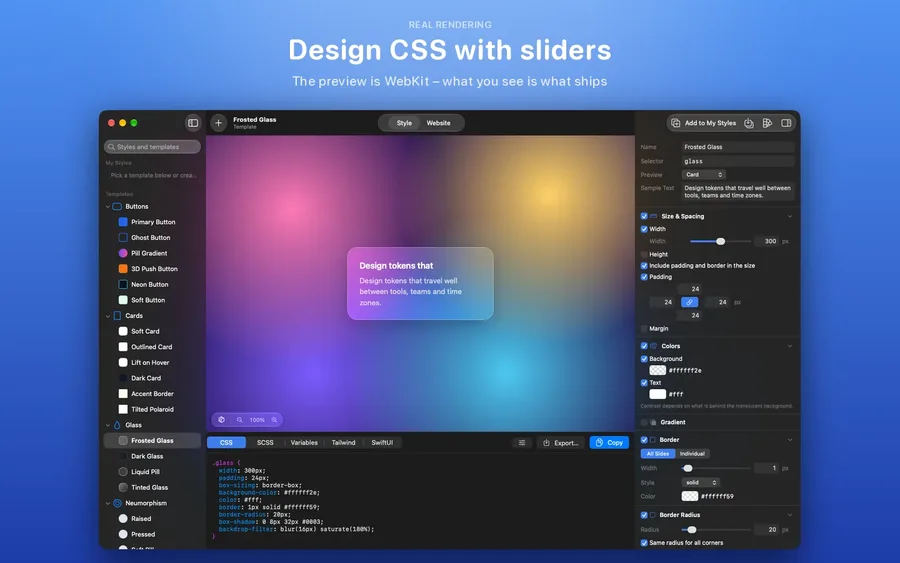
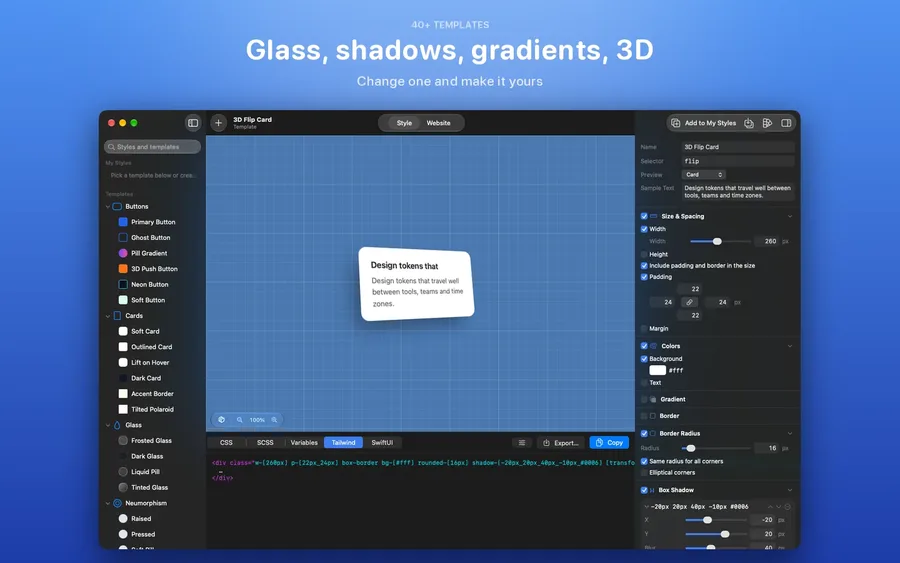
WebMate turns CSS into something you can shape with your hands. Switch on a property, drag a slider and watch the result – rendered by WebKit, so what you see is exactly what a browser shows. The code underneath is always up to date and one shortcut away from your project.
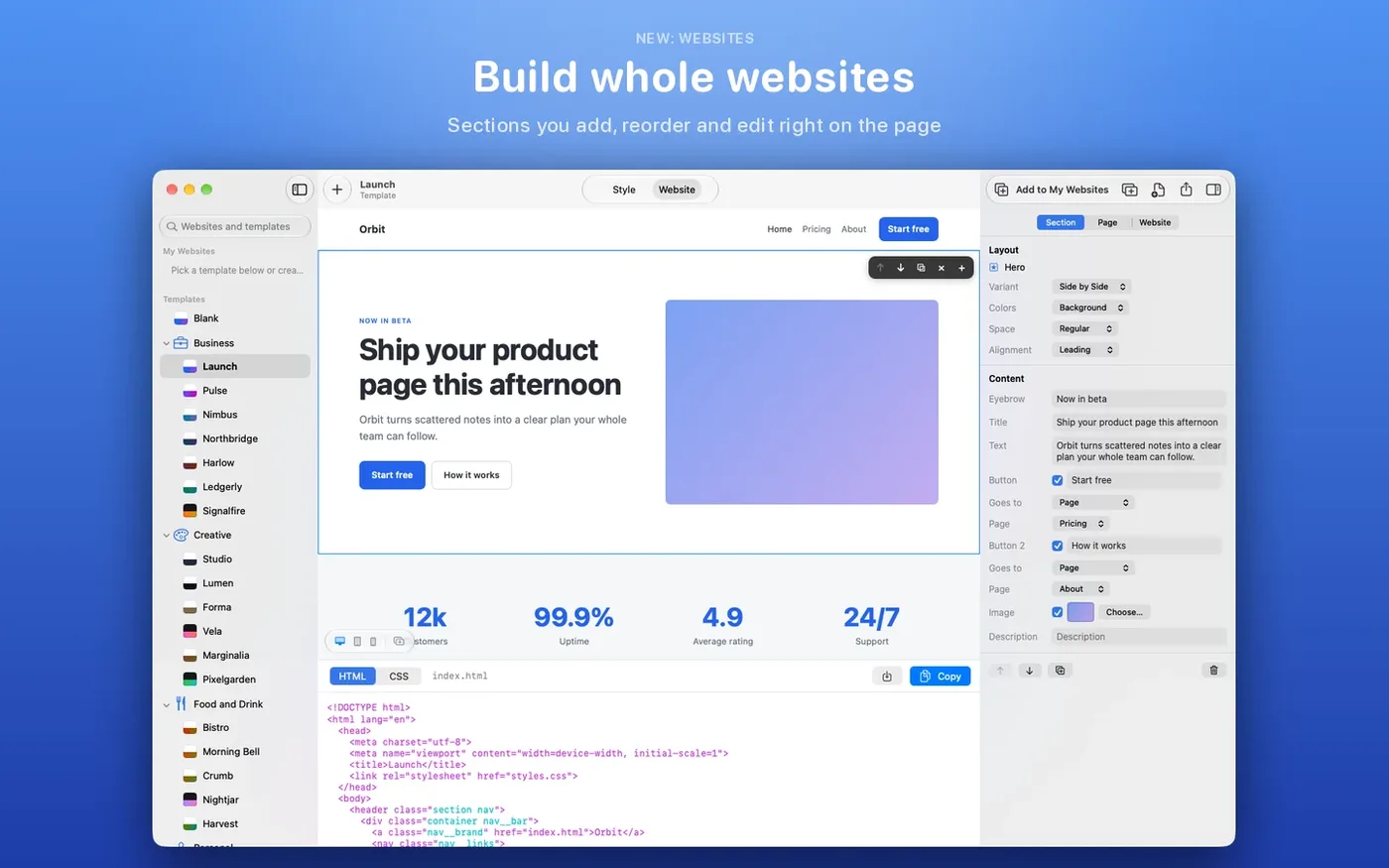
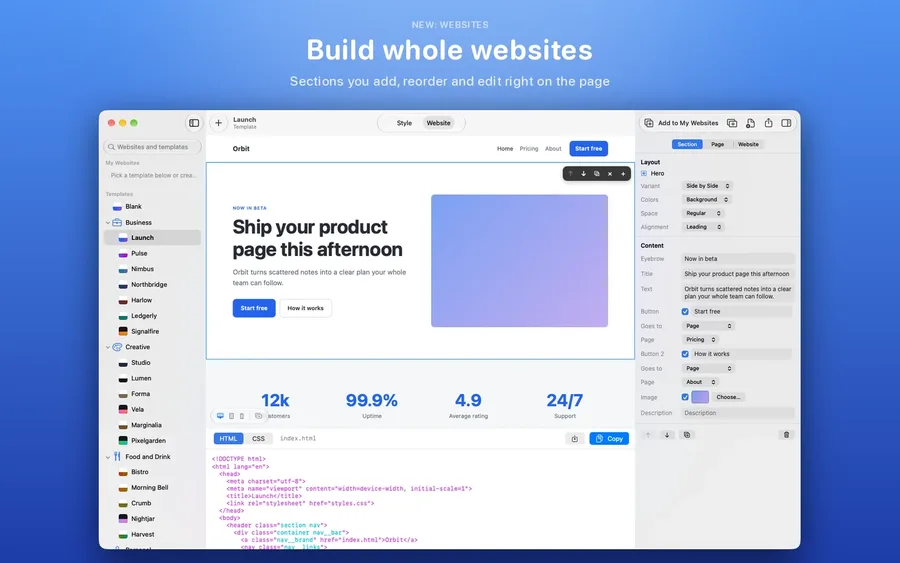
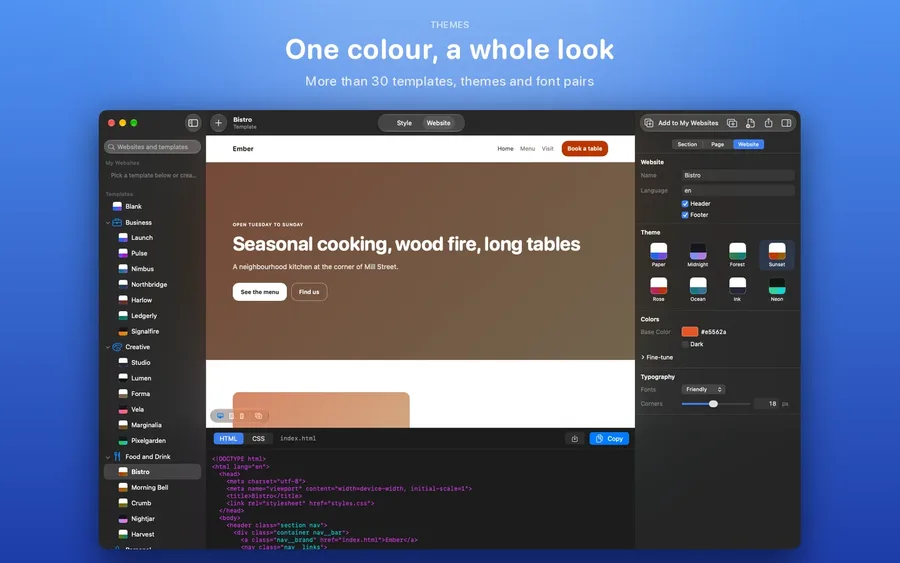
Start from more than 30 templates and build whole websites from sections you add, reorder and edit right on the page, then export plain HTML and CSS. The classic generators, CSS output and building websites are free; WebMate Pro unlocks gradients, filters, clip paths, 3D, animations, website export and export as SCSS, Tailwind or SwiftUI.
Features
Everything in WebMate.
Design visually
Border radius, shadows in as many layers as you like, borders, spacing and 2D transforms – with a live WCAG contrast check.
Build whole websites
More than 30 templates for products, studios, restaurants and portfolios. Type right on the page, drop in your own images, export plain HTML and CSS (Pro).
Exactly what the browser shows
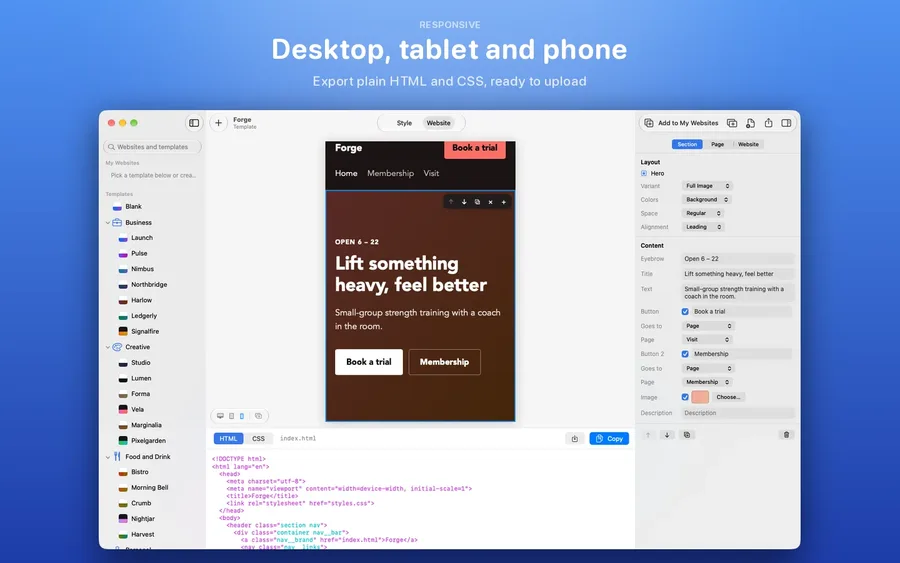
The preview is rendered by WebKit. See every page as desktop, tablet and phone.
Gradients, glass and 3D
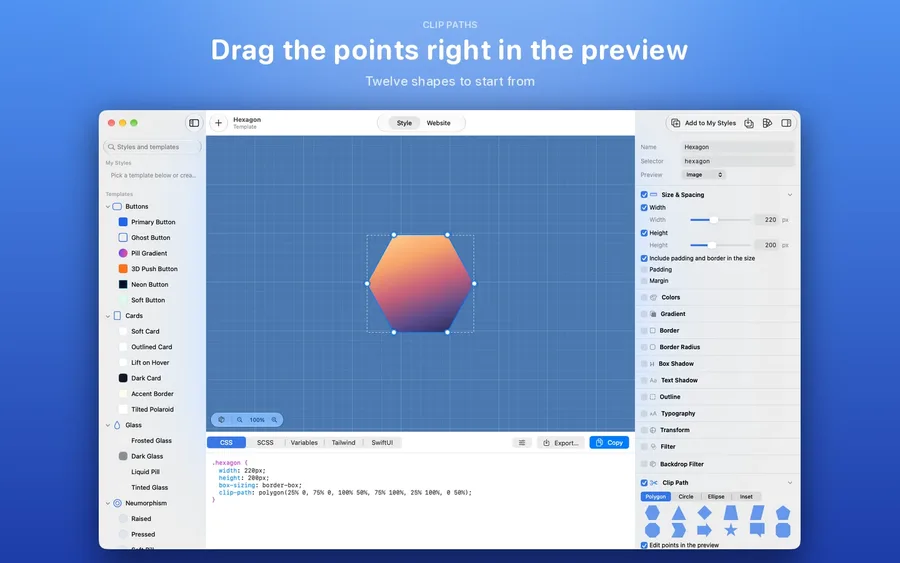
Layered gradients in sRGB or OKLCH, filters and backdrop filters, clip paths you drag in the preview, 3D transforms and keyframe animations (Pro).
Export your way
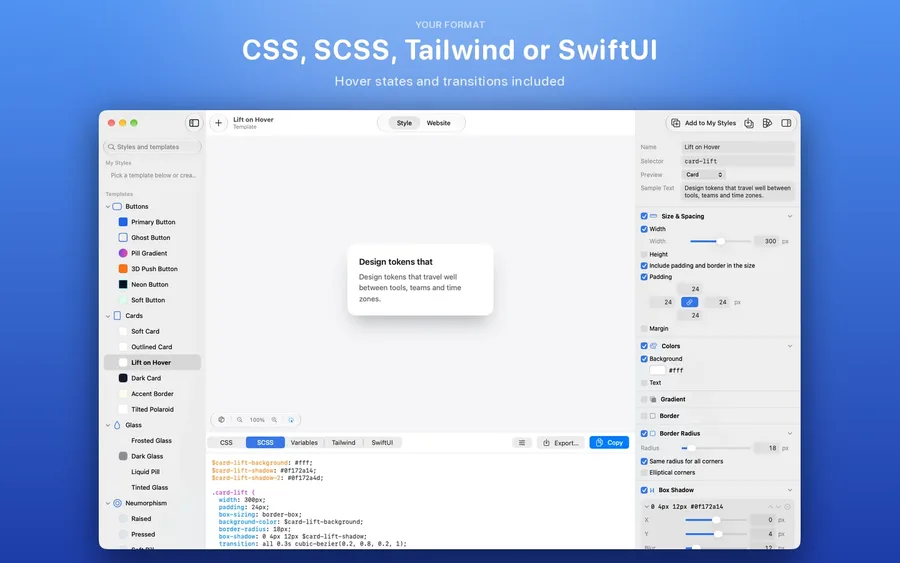
Plain CSS for free; SCSS, CSS variables, Tailwind classes or SwiftUI modifiers with Pro. Import existing CSS and keep editing it with sliders.
Private by design
Everything stays on your Mac. WebMate collects nothing and needs no account, and exported sites load nothing from elsewhere.
Screenshots
Questions
Good to know.
Is WebMate free?
The classic generators, CSS output and building and previewing websites are free. WebMate Pro unlocks gradients, filters, clip paths, 3D, animations, website export and the other export formats – as a monthly or yearly subscription or as a one-time purchase in the App Store.
I bought WebMate 1. Do I have to pay again?
No. If you bought WebMate 1, everything in WebMate Pro is unlocked for you.
What do exported websites contain?
Plain HTML and CSS – no JavaScript, no tracking and nothing loaded from other servers. Upload the files to any web host.
Which Macs does WebMate run on?
WebMate 2 is a complete rewrite for macOS 26 and later, in English, German, French, Italian and Spanish.

Get WebMate today.